High-Volume Hiring Software: What to Look For Before You Buy
Compare high-volume hiring software: the features that matter, what to ask vendors, and how AI screening cuts review time. Start a free trial.
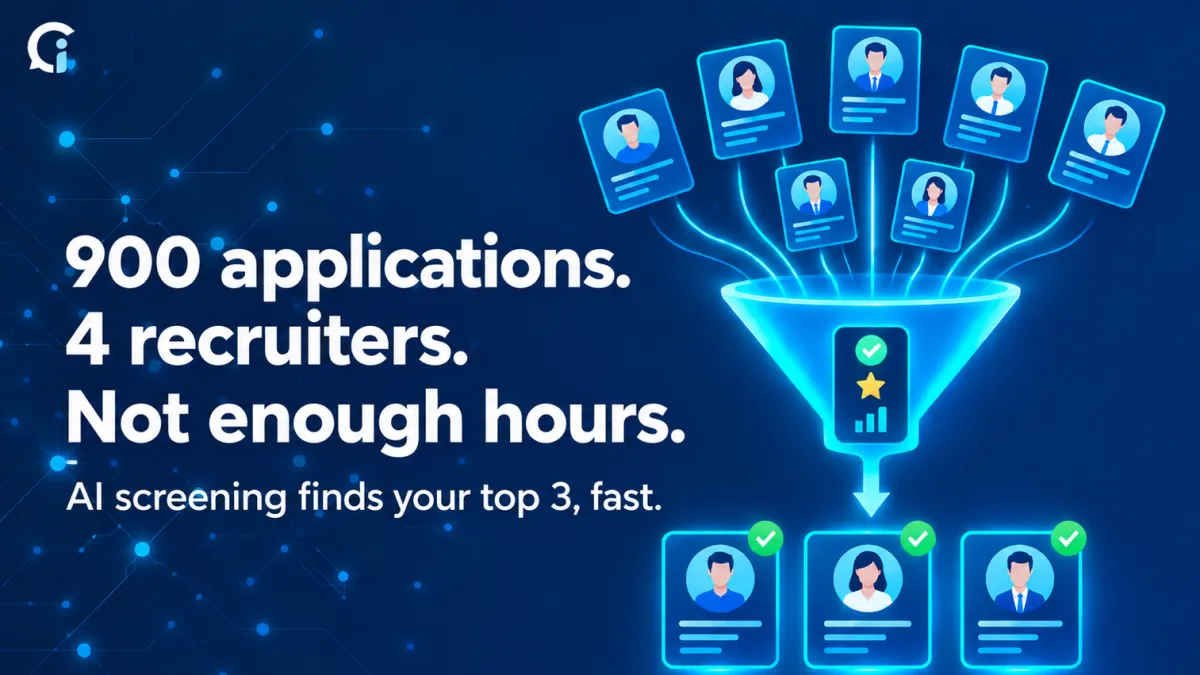
Say you run a four-person talent team and you post a customer support role on Monday. By Friday, 900 people have applied. You haven't made a single call.
Finding candidates was never the hard part. Getting through them is. And when the pile is that big, people cut corners without meaning to. The first hundred resumes get a proper read. The last few hundred get a glance. Good people who describe their experience a bit differently slip through, and the strongest applicants take another offer while they wait to hear from you.
That's the problem high-volume hiring software is supposed to solve. But the category is messy, and a lot of tools solve a different problem from the one you actually have. So here's what it should do, how to tell the types apart, and what to ask before you pay for anything.
What it should actually do
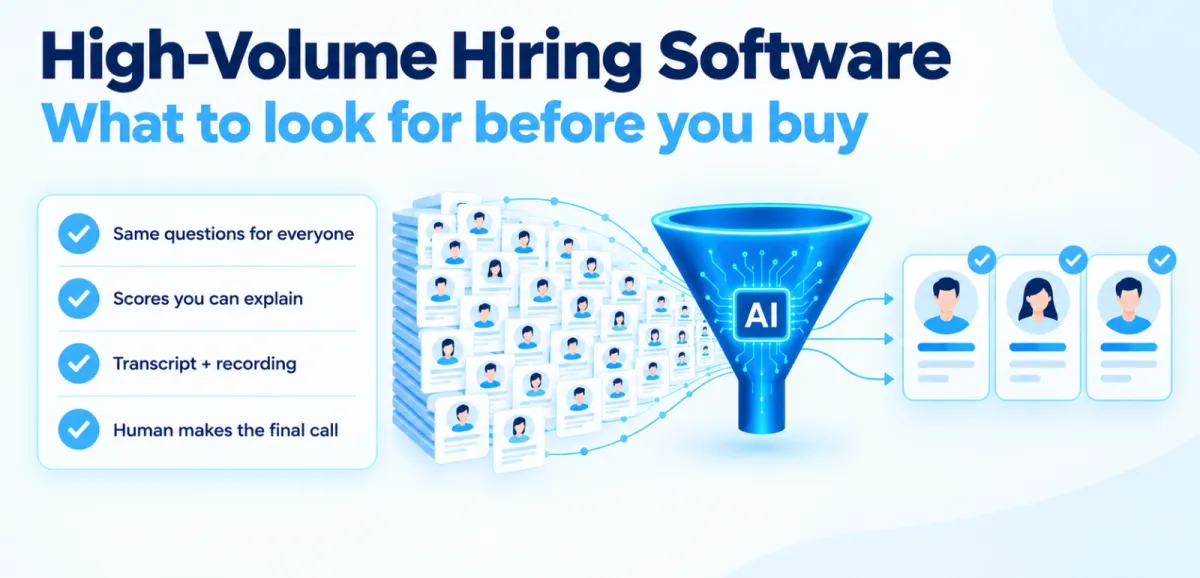
Good software gives every applicant the same fair first look and hands your team a shortlist they can trust. Concretely, that means:
- Everyone answers the same questions for the role, and everyone is scored on the same rubric. Candidate #12 and candidate #600 get equal attention.
- Each candidate comes with a score, a short summary, a transcript and a recording, so you can check the reasoning yourself.
- Candidates answer when it suits them, in their own language.
- Recruiters still make every advance or reject decision.
An ATS isn't the same thing
People mix these up all the time. An applicant tracking system stores applicants and moves them through stages. That's useful, but someone still has to read all 900 resumes. A screening layer evaluates applicants against what the role needs and ranks them. Plenty of teams need both. If your real bottleneck is deciding who gets a call, start with screening.
What the recruiter reviews
Nobody is reading 900 transcripts, so don't build a process that expects it. The recruiter should see a ranked list with an overall score, a score for each skill, a quick summary, and the full transcript and recording one click away.
You review the top group, check that the reasoning makes sense, and move people to a human interview. The rest aren't thrown out. You work through the next batch whenever you need to.
Test any tool with a real rubric
A screening tool is only as good as the rubric behind it. For a support role, I'd score something like this:
| Skill | Sample question | A strong answer |
|---|---|---|
| Handling frustration | "A customer says they were charged twice and they're angry. What do you do first?" | Acknowledges the problem, checks the details, explains next steps |
| Clarity | "Explain how to reset a password to someone who isn't technical." | Simple steps in order, checks the person understood |
| Reliability | "Tell me about a time you had to cover a shift at short notice." | A real situation and what they did |
| Logistics | Shift availability, language, start date | Clear answers, no conflicts with must-haves |
During a demo, ask the vendor to set this up for your own role. How they handle that tells you a lot.
What to ask any vendor
- Can I write the rubric myself, or is it a black box?
- Can I see why a candidate got their score? If your team can't explain it, the tool isn't ready for volume.
- What exactly does the reviewer see?
- How does it treat accents and non-native speakers, and can I check score patterns across language groups?
- What happens when a candidate uses outside help to answer?
- Is a human involved in every advance or reject decision?
- How fast can we pilot this on one role?
Where it goes wrong
Most vendor pages skip this part, so here it is.
- The rubric rewards polish. Score what the person said, not how smoothly they said it. Test the rubric on a few people you already know are strong and average.
- Accents get penalized. Offer multiple languages and look at scores across groups.
- Candidates get help. Use integrity checks, and ask follow-up questions in the human interview.
- The team trusts the score blindly. Keep a person on every decision, and regularly look through the low scorers.
- The rubric goes stale. Compare it against how people actually perform once they're hired.
A simple way to pilot it
Pick the one role that hurts most. Write the rubric first, then the questions. Run the software next to your current process for a single batch and compare the two shortlists. Where they disagree, fix the rubric. Once it holds up, switch over.
Where CloudInterview fits
Upload a job description, and CloudInterview publishes the role, screens applicants through AI interviews and AI screening calls, and gives you scores, transcripts, recordings, evaluation reports, and a ranked shortlist. If a role needs specialist evaluation, expert interviewers are available as well.
If you want more detail on the screening side, read our guide to AI candidate screening for high-volume hiring. And if you're weighing the budget impact, the cost per hire guide covers that.
Want to try it on your busiest role? Start your free trial.